

Health checks
How Appflare checks that an installed app answers, and what each result means.
After an install, an update, or a rollback, the manager requests the app's URL to
see whether it answers. Most apps are checked at /. An app can name another path
in its catalog manifest (install.health.path), for example /api/health.
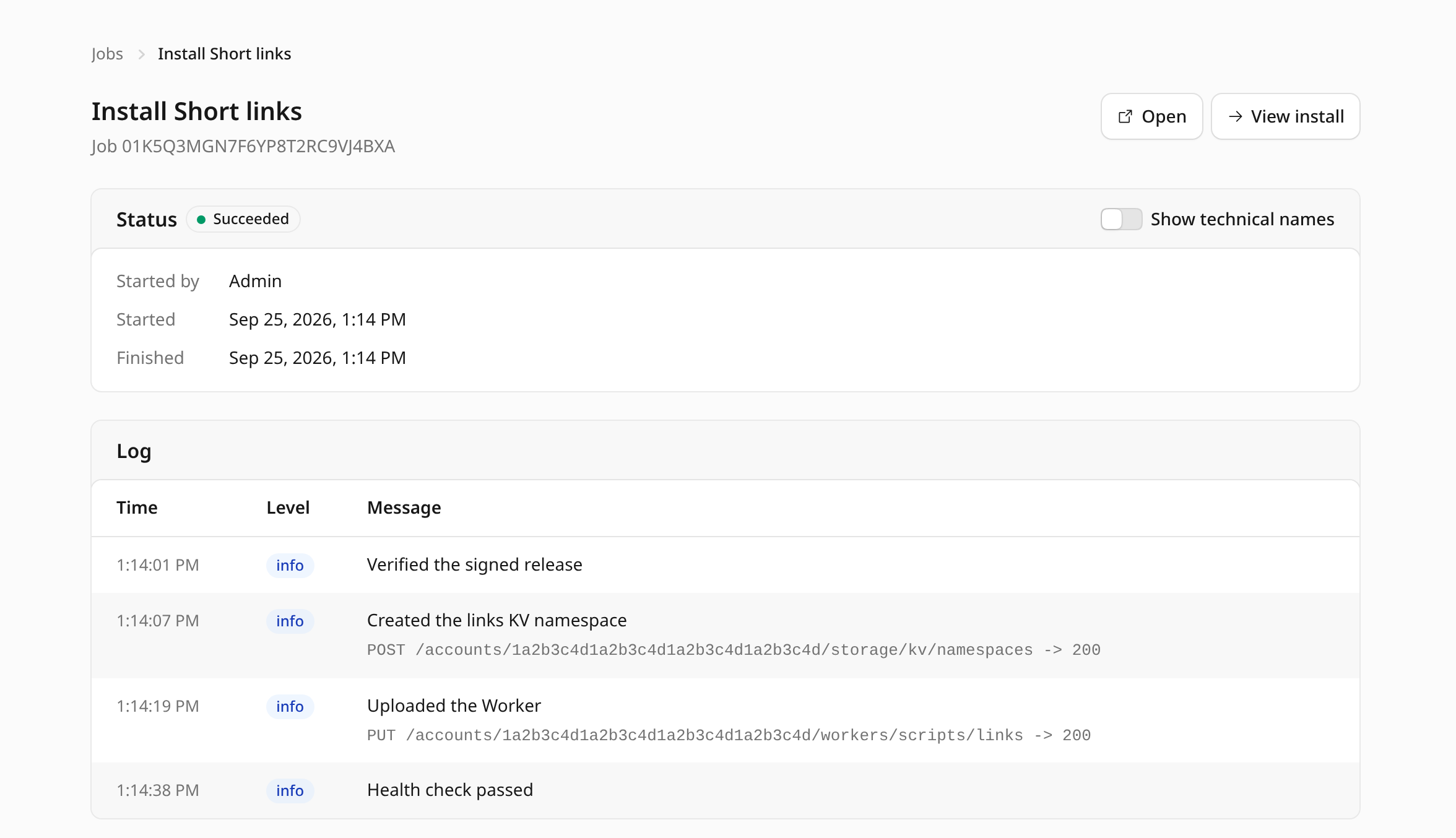
How the check runs
A new workers.dev route can take a little while to go live. The check therefore
tries for up to 90 seconds, waiting 2, 3, 5, 8, and then 10 seconds between
attempts. It retries on connection errors, on server errors, and on Cloudflare's
"not live yet" page (error code: 1042).
A plain 404 also retries, and counts as a pass when the 90 seconds are up. Many apps
serve nothing at /, and a 404 from the app still proves the Worker is running.
The check never fails the job. Everything was already created by then; the result is recorded on the install.
Apps behind a sign-in
Some apps ask for a sign-in on every route, their own or one they check from Cloudflare Access, so a request without credentials cannot tell whether the app works. A redirect to the app's sign-in page, a 401, or a 403 from the app already counts as Verified, but some of these apps answer with an error of their own instead, for example while their sign-in is not configured yet.
Such an app sets install.health.mode to "any-response" in its catalog manifest,
instead of the default "no-server-errors", which counts any answer but a server
error (5xx) as Verified. Any answer from the app's Worker then counts as
Verified, a 5xx of its own included. Connection failures and Cloudflare's own error pages are still treated as
above: the "not live yet" page (error code: 1042) and connection errors are
retried, and a page Cloudflare serves because the Worker crashed (such as
error code: 1101) still counts as a server error. An update's check of the new
version before it serves traffic follows the same mode.
Apps behind Cloudflare Access
When an app's address is protected by a Cloudflare Access application in your
Zero Trust dashboard, Access answers a request without an Access sign-in before it
reaches the app: it redirects to your team's sign-in page on
<team>.cloudflareaccess.com. The check cannot sign in, so that answer says nothing
about the app, under either health mode:
- The health check stops at the first such answer, and the app's page shows Behind Cloudflare Access: Appflare can't check the app itself. It never counts as Verified or Unhealthy. The app is not listed on Home as not responding, and the scheduled check does not report it as failing. The next check that reaches the app replaces it.
- When an update or a settings change gets this answer at the new version's preview URL, it cannot check the new version before it serves traffic. The job says so in its log and goes on, as it does for an app without preview URLs.
- A custom or external domain where Access answers counts as live: Cloudflare
serves the name, and Access guards the app there. Appflare turns the
workers.devURL off as it does for any live domain, so the app is not left reachable there without Access. The domain's Check now says it is live behind Cloudflare Access.
An app that Appflare protects is checked through Access instead: once Access asks for a sign-in, the check signs in with the app's own service token and reports on the app as usual. It never sends that token to an external domain.
The results
| Badge | Status | Meaning |
|---|---|---|
| Verified | verified | The Worker answered. |
| Not verified yet | unverified | The Worker did not answer within 90 seconds: the connection failed, or Cloudflare still reported the route as not live. The app may be fine; its route may still have been going live. |
| Behind Cloudflare Access | unverified | Cloudflare Access answered in the app's place, so Appflare can't check the app itself. |
| Unhealthy | unhealthy | The Worker answered with a server error (5xx). |
| Not checked | No check has run yet. |
The app's page shows the result and when it was checked. An app that is not verified or unhealthy is listed on Home under Needs attention as not responding, with Check again for admins, and its row in the sidebar gets an amber dot. An app behind Cloudflare Access is not.
Check again
On the app's page, admins can select Check now. It sends one request, with no retries, and records the result. It is available when no job is running for the app.
If an app stays Not verified yet, open its URL in a browser. If the page loads, select Check now. If it does not, look at the app's logs in the Cloudflare dashboard.
Scheduled checks
Apps are checked on their own only while a notification channel wants Health check failing. The scheduled run then checks installed apps every 30 minutes, the same way Check now does, and records the result. It skips an app that is paused, whose paused page is not an app that is down, and Check now waits until it is resumed. A server error is checked once more a few seconds later, and only two in a row start a failing episode and a message.
Custom domains
The recorded check uses the app's workers.dev URL. While
workers.dev is off for the app,
it uses the domain that answered when workers.dev was turned off (or, once that
domain is removed, the next working one). An app with
custom domains has a Check now button next to each
one, which sends the same single request to that hostname and shows the answer
there without recording it. A new custom domain can take a few minutes before its
DNS record and certificate are live.