
GentleMail
Webmail for all your domains, with an email API and webhooks
By Softwaiz
- Stars
- 56 56 stars on the app's GitHub repository.
- Installs
- Under 10 Fewer than 10 Appflare users run this app, from anonymous usage data; smaller counts are not published.
- Plan
- Workers Paid Needs Cloudflare's Workers Paid plan on your account.
- License
- MIT An open-source license: you may use, change and share the app on its terms.
- Version
- 0.8.1 Version 0.8.1.
- Last tested
- Not yet The catalog has not yet installed this version in a test account.
About
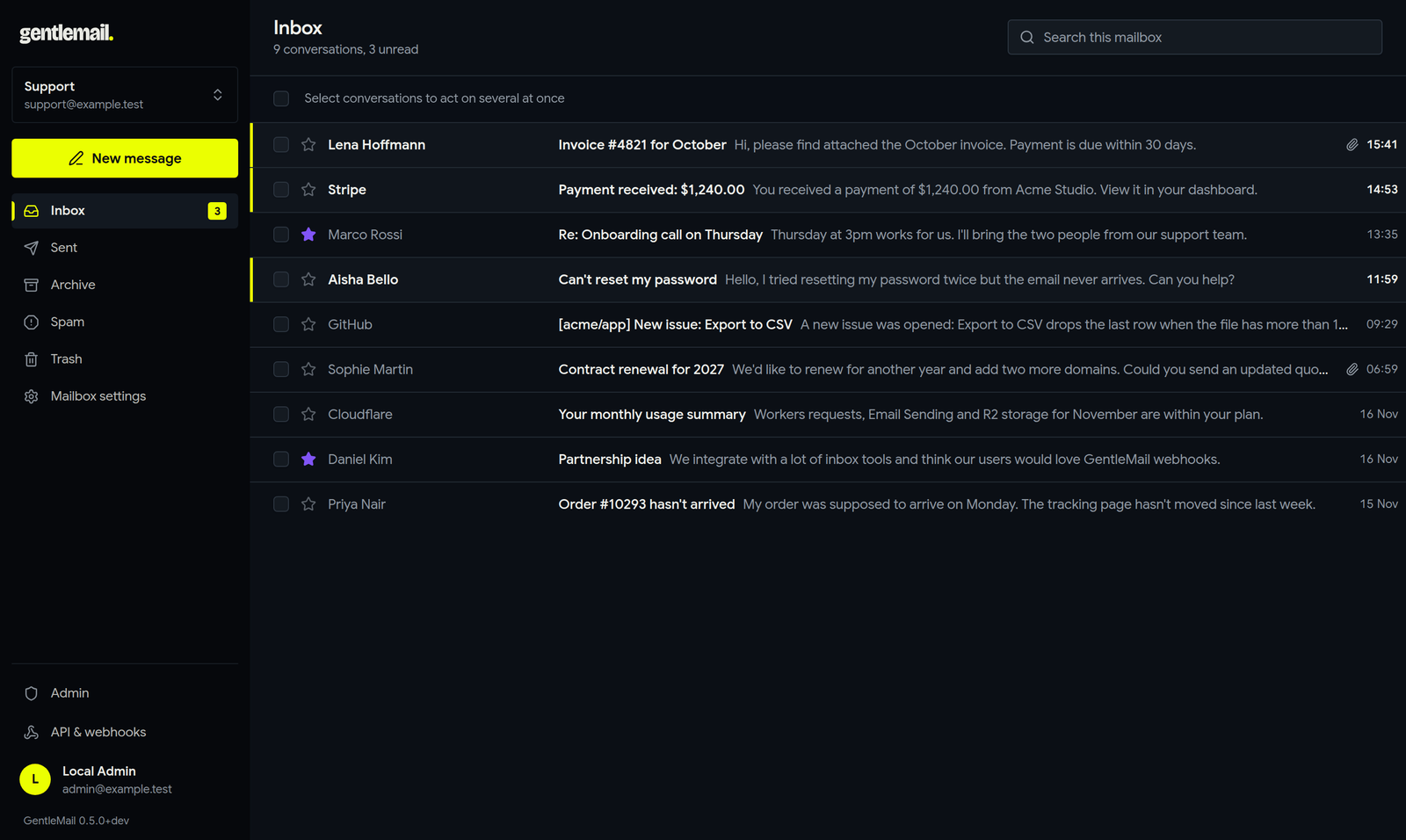
Multi-domain webmail, email API and webhooks on Workers, D1, R2, Email Routing and Email Service.
Features
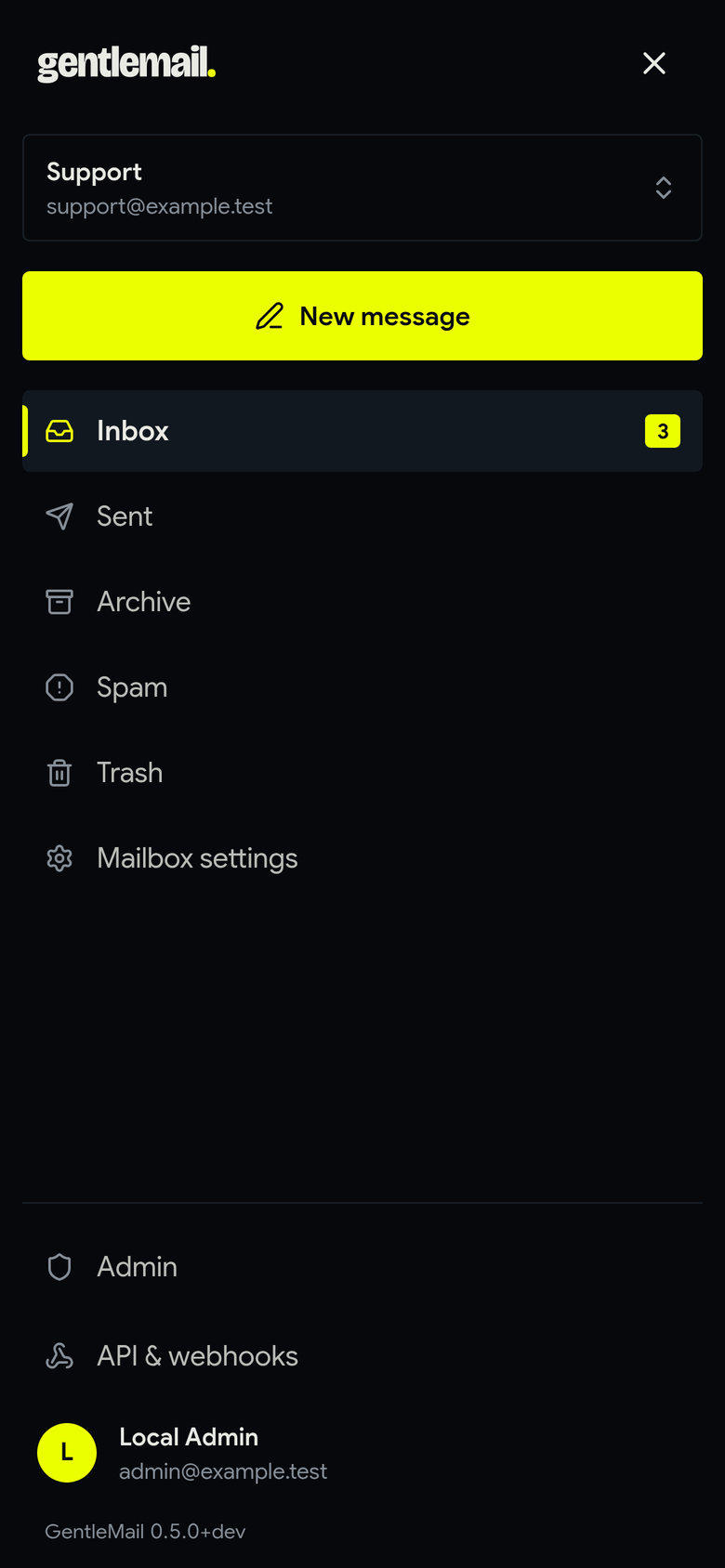
- Receive and send mail for any number of domains and mailboxes from one install
- Choose which people can open which mailboxes, with two-step sign-in
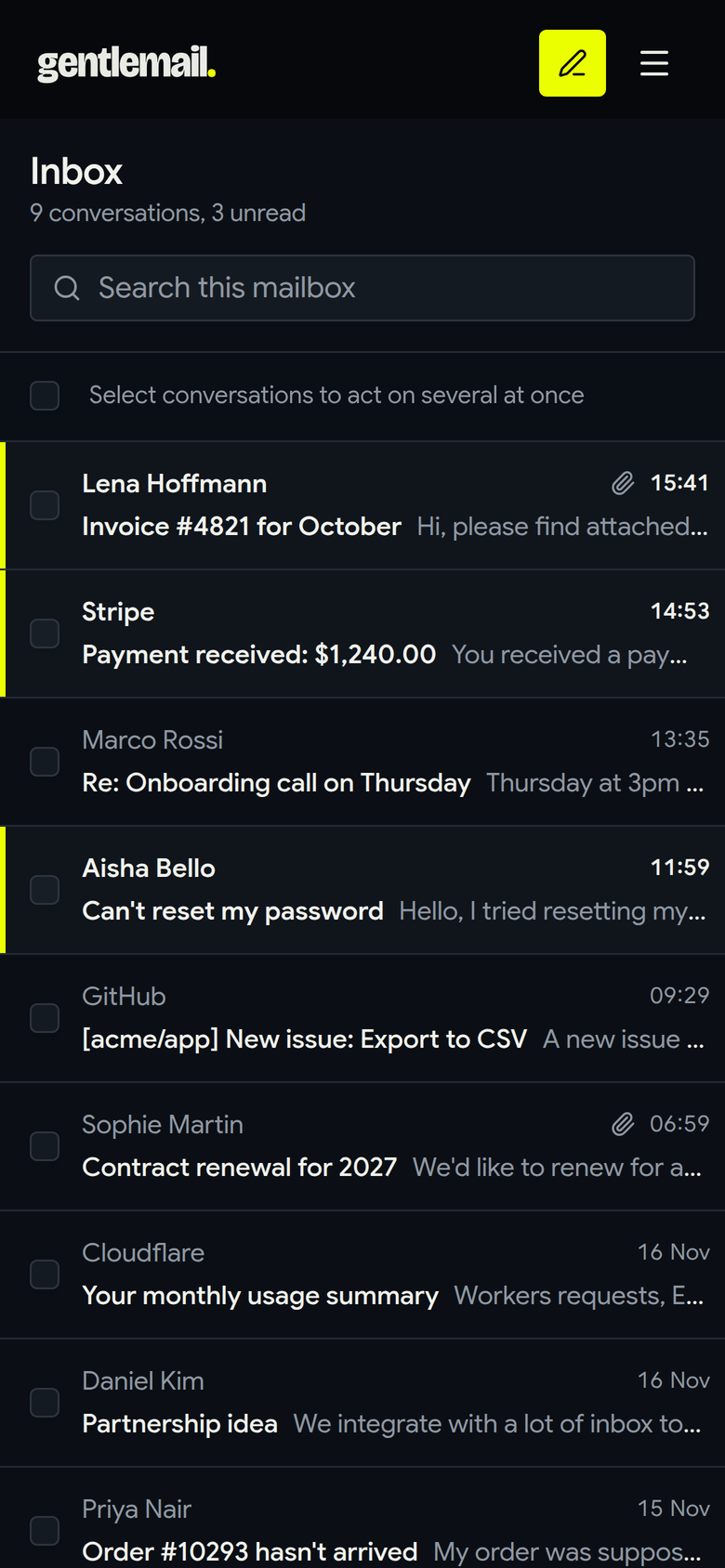
- Read mail in conversations, with search, attachments and a spam folder
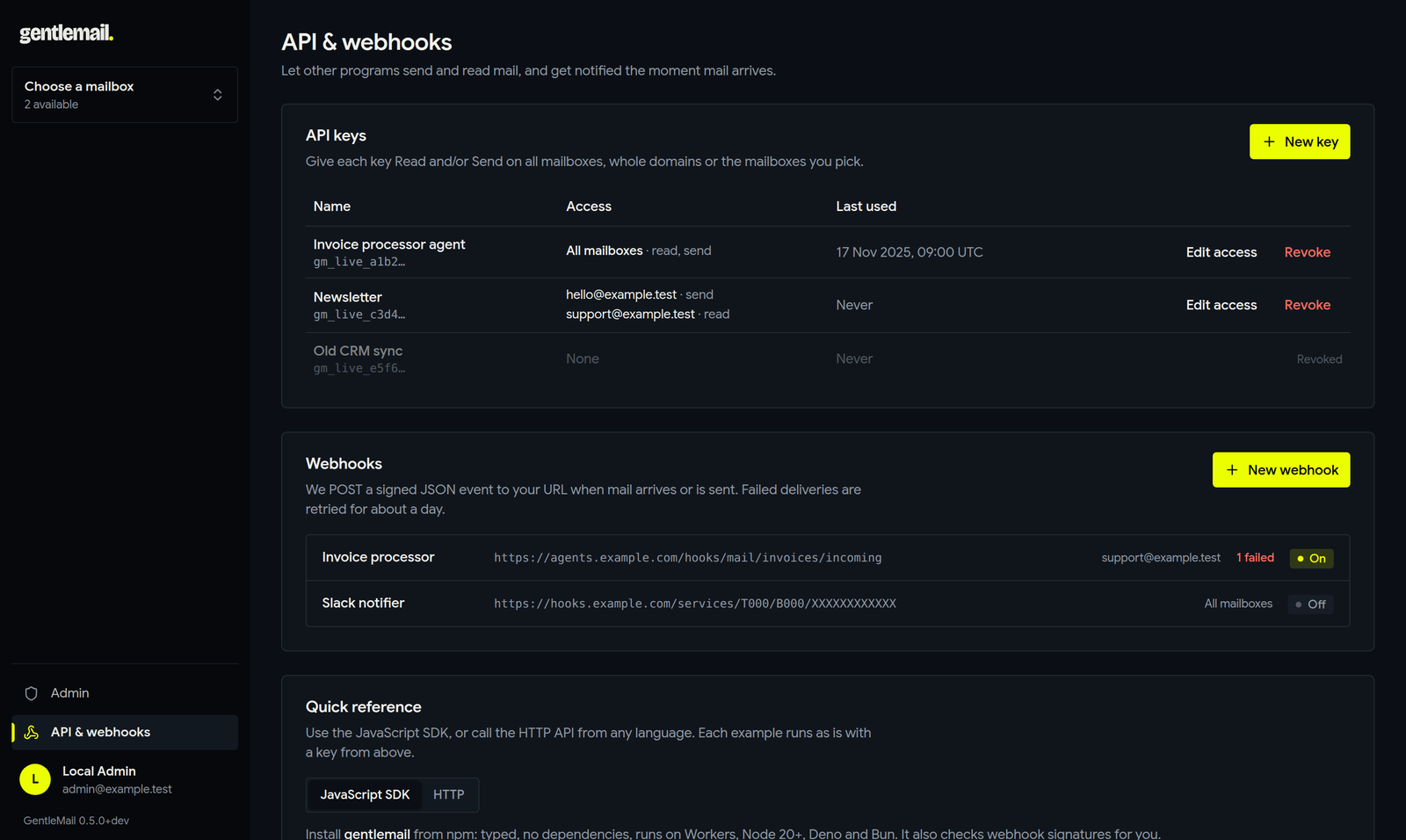
- Send and read mail from your own code with scoped API keys
- Get signed webhooks the moment mail arrives or is sent
- Let AI assistants such as Claude search and answer mail, asking before they send
Deploy GentleMail on Cloudflare
Step 1: Set up Appflare in your Cloudflare account
OnceAppflare installs itself into your own Cloudflare account from your browser, and runs on the free Workers plan. GentleMail needs Workers Paid on that account. See what GentleMail needs on your account.
Set up AppflareAlready have Appflare? Install GentleMailStep 2: Install GentleMail
The install form asks you for:
- Admin emailasked once, at install
- A domain of yours that can receive email
Appflare generates a value for you: Admin password.
It also has an optional setting you can leave for later.
One switch on the form puts GentleMail behind Cloudflare Access, so only the people who use your Appflare can open it.
Step 3: Finish setting it up
After the install, Appflare shows three short steps for GentleMail, on its page.
With Appflare instead of by hand
- Nothing to build on your computerAppflare sets itself up from your browser, with no API token to create and nothing to install.
- Updates in one clickAppflare tells you when the catalog has a new version, and Update installs it.
- Health checksAfter every install and update, Appflare checks that the app answers.
- It stays in your own accountEverything runs on your Cloudflare account and your plan, and Appflare records what it creates, so an uninstall removes it.
What it needs on your account
- Workers Paid planThis app needs it
- D1 databaseThis app uses it
- R2 storageThis app needs it
- Runs on a scheduleThis app uses it
- Email RoutingThis app needs it
- A domainThis app needs it
- Email placeholders
Questions
Does GentleMail run on Cloudflare's free plan?
No. GentleMail needs Cloudflare's Workers Paid plan on your account. Appflare itself runs on the free plan.
What does GentleMail create in my Cloudflare account?
Appflare creates a Worker for GentleMail and the resources it uses: D1 databases, R2 buckets and cron triggers. It also uses Email Routing and a domain. Appflare records each resource it creates; an uninstall deletes them, keeping any data you choose to keep.
How do I update GentleMail?
When the catalog has a new version, GentleMail's page in Appflare says Update available. Select Update: Appflare takes a snapshot first, so you can roll back to the version before. You can also let Appflare update it automatically.
Is GentleMail open source?
Yes, under MIT. An open-source license: you may use, change and share the app on its terms. Its source code is at github.com/Softwaiz/gentlemail.
Links
- Source codegithub.com/Softwaiz/gentlemail
- Websitegentlemail.dev
Packaged for the catalog by MendyLanda.
Author
- Softwaizgentlemail.devGitHub