CF Server Monitor
Track your servers live and get alerts when they need attention
By huilang-me
- Stars
- 2.4k 2,497 stars on the app's GitHub repository.
- Installs
- Under 10 Fewer than 10 Appflare users run this app, from anonymous usage data; smaller counts are not published.
- Plan
- Free Runs on Cloudflare's free Workers plan.
- License
- MIT An open-source license: you may use, change and share the app on its terms.
- Version
- Oct 11 Version 0.0.0-20261011.e5e9a02.
- Last tested
- Oct 14 The catalog installed this version in a test account and it answered, on Oct 14, 2026.
About
A self-hosted alternative to Netdata.
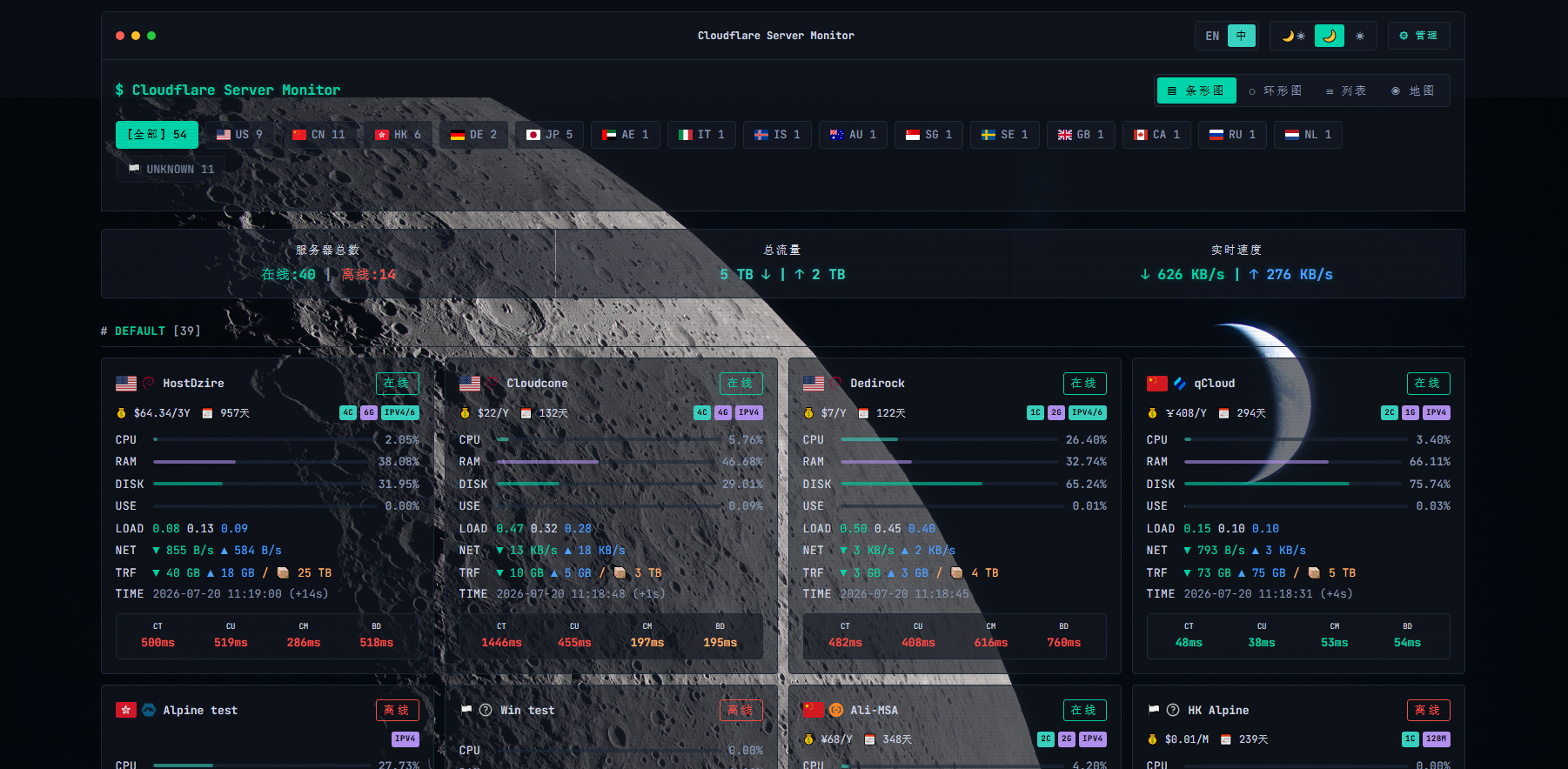
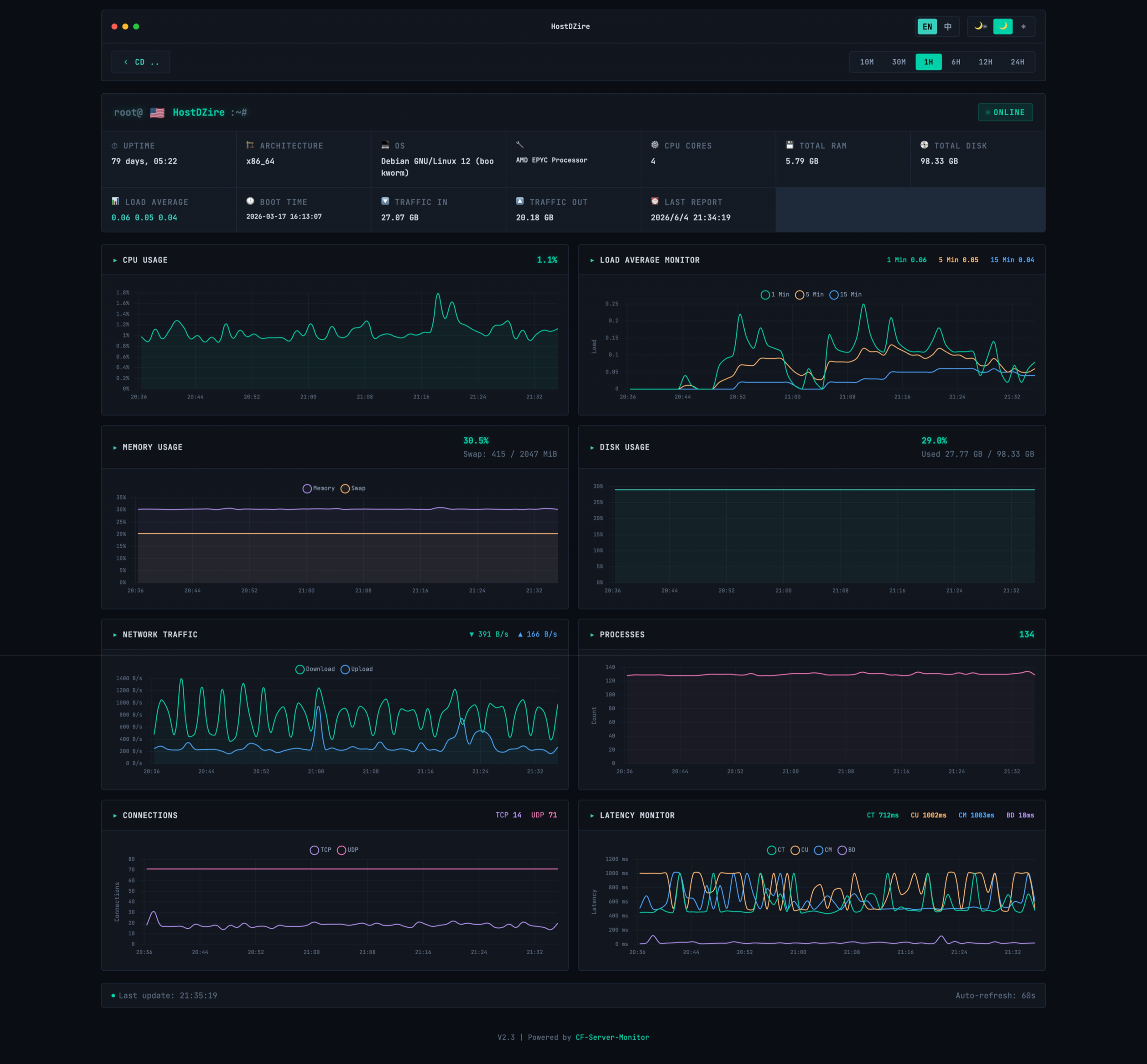
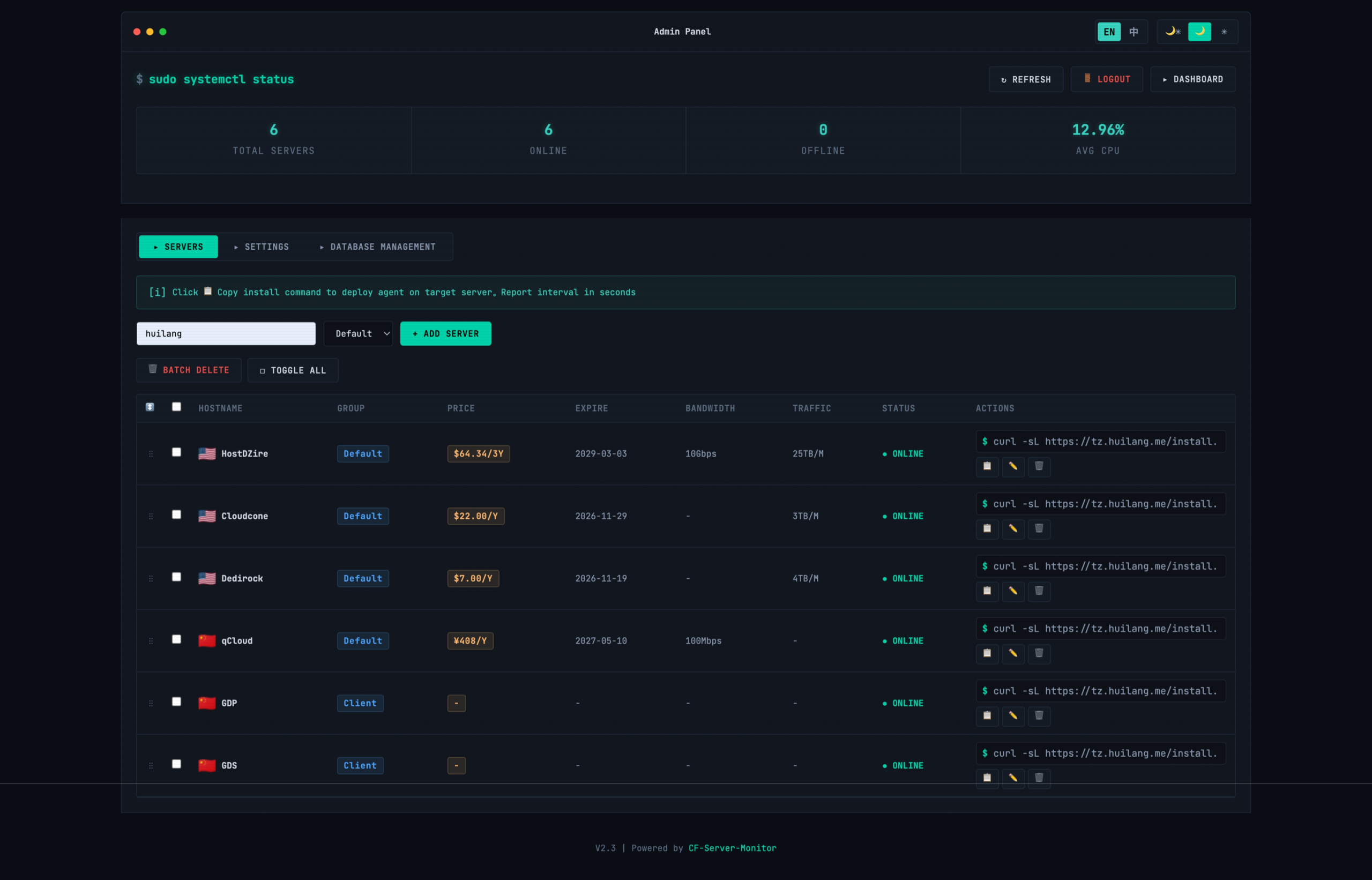
Monitor your servers from a Worker: live CPU, memory, disk, traffic and latency from a small agent on each machine, with history, a map, offline and threshold alerts, and expiry reminders.
Features
- See live CPU, memory, disk and traffic from an agent on each server
- Review historical charts and monthly traffic totals
- Track network latency and packet loss
- Get alerts when a server goes offline or exceeds a resource limit
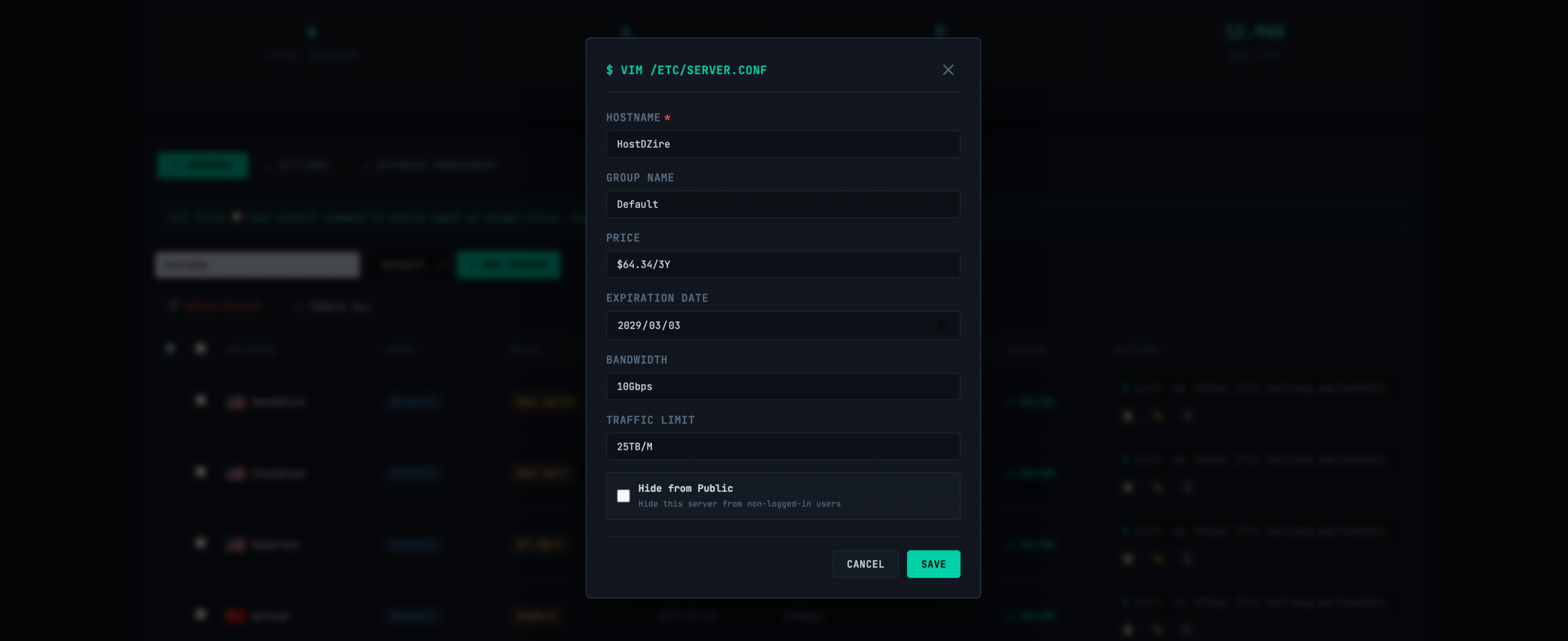
- Receive reminders before your servers expire
- View your servers on a map
Deploy CF Server Monitor on Cloudflare
Step 1: Set up Appflare in your Cloudflare account
OnceAppflare installs itself into your own Cloudflare account from your browser, and runs on the free Workers plan, as CF Server Monitor does. See what CF Server Monitor needs on your account.
Set up AppflareAlready have Appflare? Install CF Server MonitorStep 2: Install CF Server Monitor
CF Server Monitor needs no keys or settings from you.
Appflare generates a value for you: Agent secret and first admin password.
It also has an optional setting you can leave for later.
One switch on the form puts CF Server Monitor behind Cloudflare Access, so only the people who use your Appflare can open it.
Step 3: Finish setting it up
After the install, Appflare shows a short step for CF Server Monitor, on its page.
With Appflare instead of by hand
- Nothing to build on your computerAppflare sets itself up from your browser, with no API token to create and nothing to install.
- Updates in one clickAppflare tells you when the catalog has a new version, and Update installs it.
- Health checksAfter every install and update, Appflare checks that the app answers.
- It stays in your own accountEverything runs on your Cloudflare account and your plan, and Appflare records what it creates, so an uninstall removes it.
What it needs on your account
- D1 databaseThis app uses it
- Durable ObjectsThis app uses it
- Runs on a scheduleThis app uses it
Questions
Does CF Server Monitor run on Cloudflare's free plan?
Yes. CF Server Monitor runs on Cloudflare's free Workers plan, and so does Appflare.
What does CF Server Monitor create in my Cloudflare account?
Appflare creates a Worker for CF Server Monitor and the resources it uses: D1 databases, Durable Object classes and cron triggers. Appflare records each resource it creates; an uninstall deletes them, keeping any data you choose to keep.
How do I update CF Server Monitor?
When the catalog has a new version, CF Server Monitor's page in Appflare says Update available. Select Update: Appflare takes a snapshot first, so you can roll back to the version before. You can also let Appflare update it automatically.
Is CF Server Monitor open source?
Yes, under MIT. An open-source license: you may use, change and share the app on its terms. Its source code is at github.com/huilang-me/CF-Server-Monitor.
Links
- Source codegithub.com/huilang-me/CF-Server-Monitor
- Websitedemo.huilang.me
Packaged for the catalog by MendyLanda.
Author
- huilang-meGitHub